
Download Express Animate Free Animation Software – animation software, free animation tool, frame-by-frame animation, create animations, video editing tool, easy animation software
Overview
Express Animate Free Animation Software is a productivity-focused tool designed for users who want to create animations efficiently on Windows. It provides a streamlined experience for both beginners and intermediate creators looking to bring visual ideas to life. The software supports the import of images, videos, and music, enabling users to build multimedia-rich animations without the need for complex workflows. Its primary purpose is to simplify frame-by-frame animation while offering automated transitions, making the process more accessible and time-effective.
Target users include content creators, educators, students, and hobbyists who need a lightweight yet capable animation solution. The software is particularly suited for those who require a no-cost entry point into digital animation without investing in expensive professional tools. While it does not offer advanced 3D modeling or rigging features, it fills a niche in the mobile and desktop productivity space by delivering essential animation functions in a compact package.
Developed by Wirestream Software, Express Animate is positioned as a free tool aimed at democratizing animation creation. The app supports real-world use cases such as creating animated tutorials, social media content, short promotional videos, and educational materials. Its lightweight nature and minimal system requirements make it suitable for use on a range of Windows devices, from basic laptops to modern desktops. The release on July 20, 2023, marks its entry into a competitive market where accessible creative tools are in high demand.
Key Features & Functionality
- Easy Frame-by-Frame Editing: The software enables users to edit animations across multiple frames with intuitive controls. Each frame can be adjusted individually, allowing for precise animation control. This feature is ideal for crafting detailed movements or character sequences without requiring advanced technical knowledge.
- Import Multimedia Elements: Users can import a variety of media types including images, videos, and audio files. This functionality supports the creation of layered animations where visual and auditory elements are synchronized, enhancing storytelling and engagement.
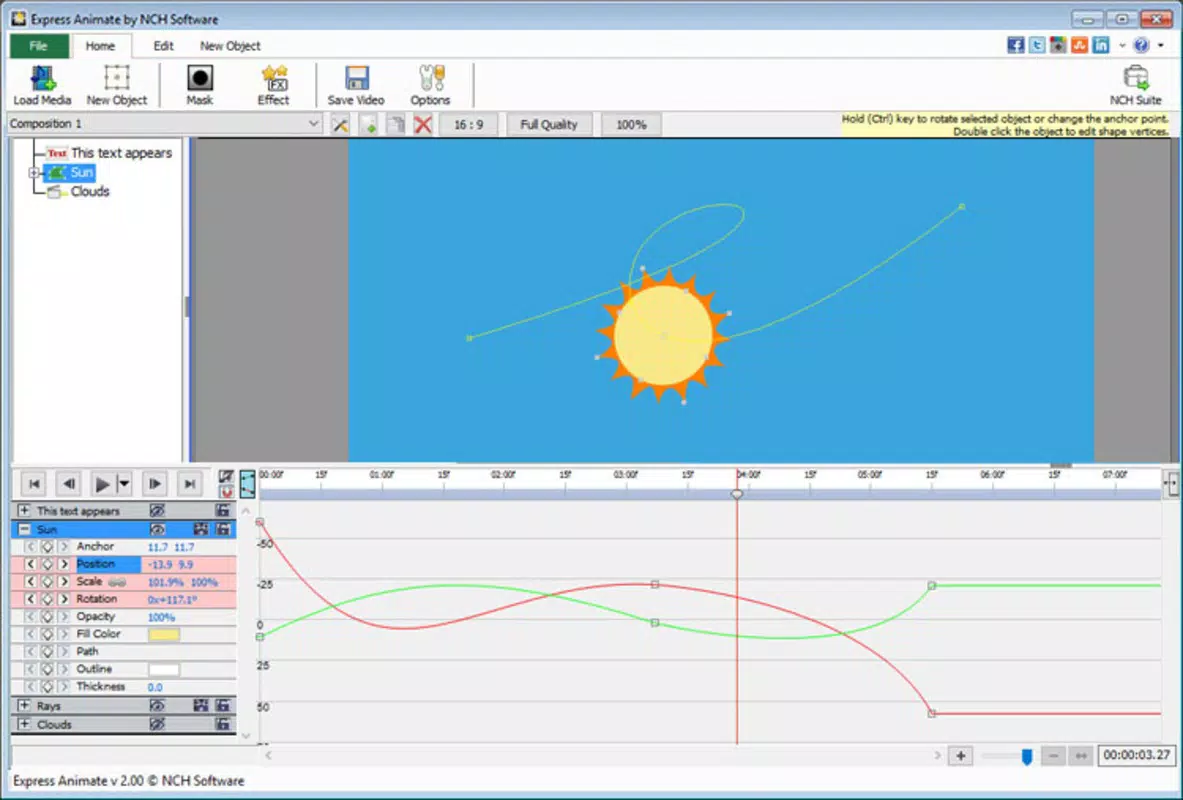
- Automatic Transition Creation: By defining start and end key frames, the software automatically generates intermediate frames. This reduces manual effort and helps maintain smooth motion, especially useful for animating object movements or camera effects.
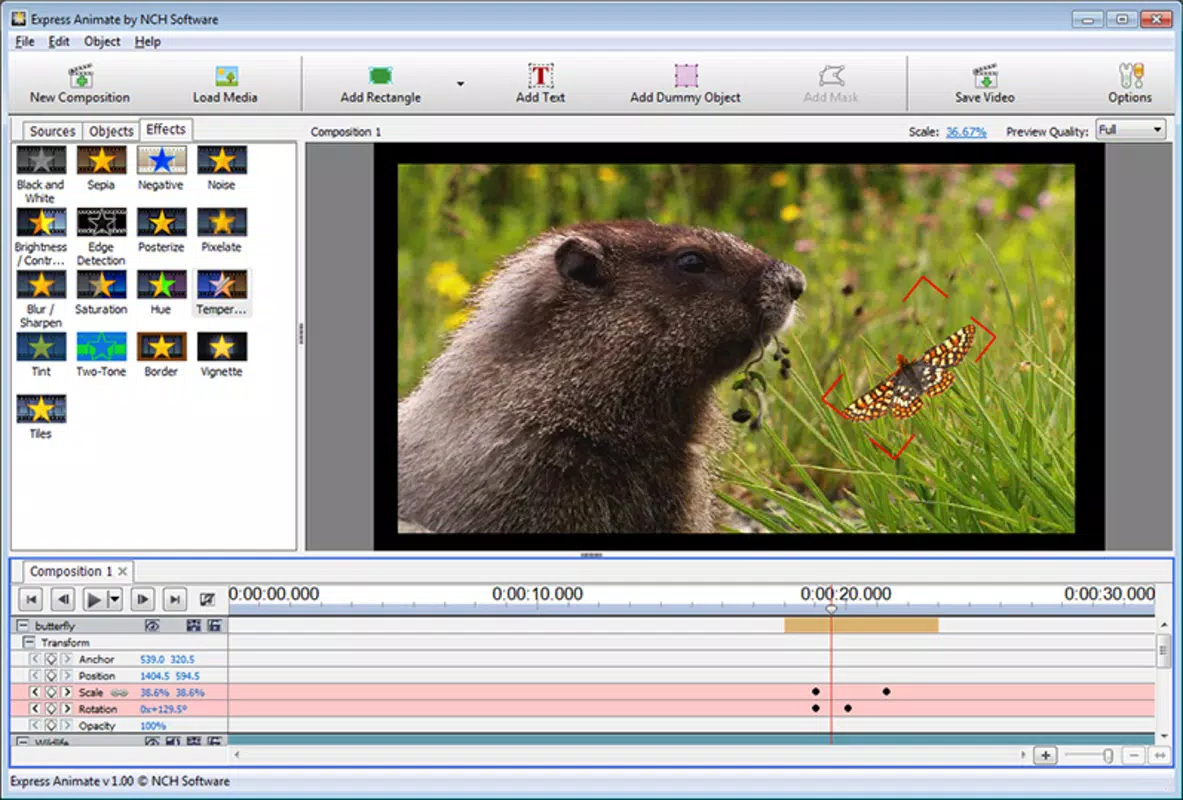
- Layering and Mask Effects: The inclusion of layer management and mask tools allows for complex visual compositions. Users can isolate specific areas of an animation, apply effects selectively, or build depth through overlapping elements, contributing to more professional-looking results.
- User-Friendly Interface: The interface is designed for clarity and ease of navigation. Tool placement, timeline controls, and preview functions are logically arranged, minimizing the learning curve and allowing users to focus on creativity rather than interface complexity.
For example, a teacher might use the software to create a step-by-step animated explanation of a scientific process, importing diagrams and adding voiceover narration. Similarly, a social media manager could produce quick, engaging clips for platforms like Instagram or TikTok by combining stock images with automatic transitions.
Interface, UX & Performance
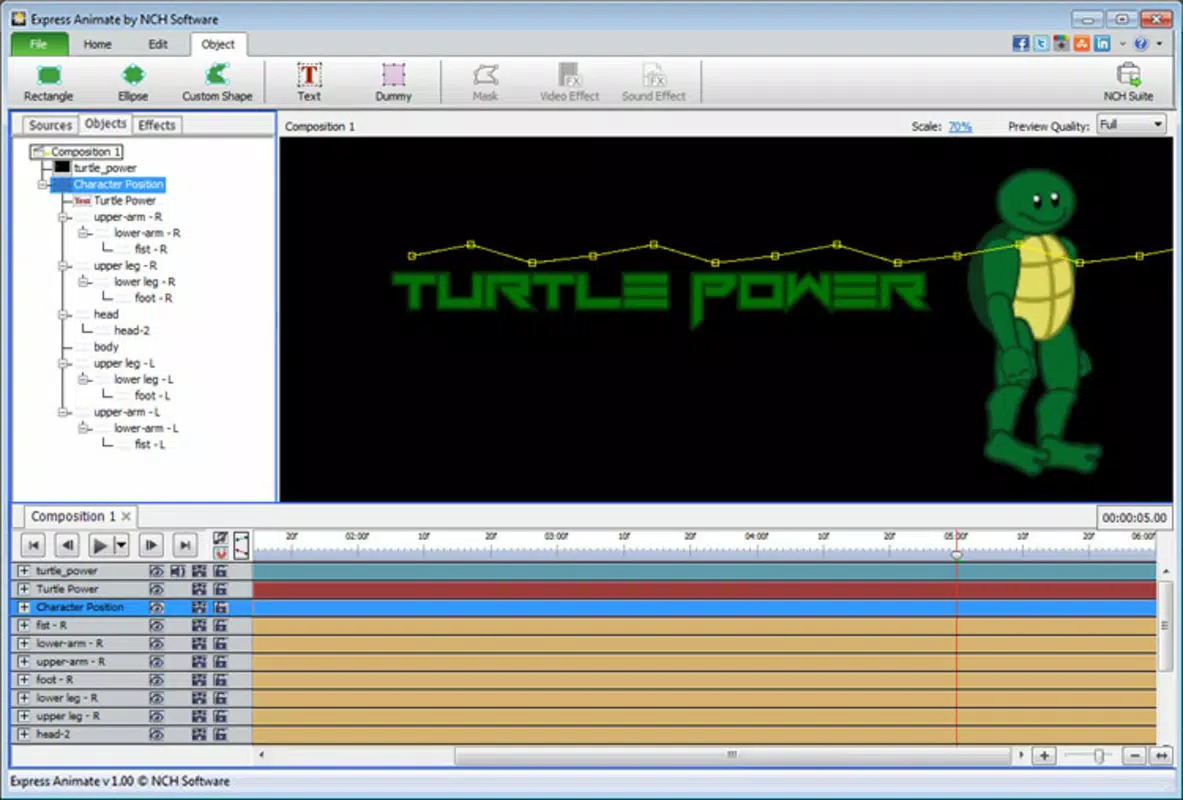
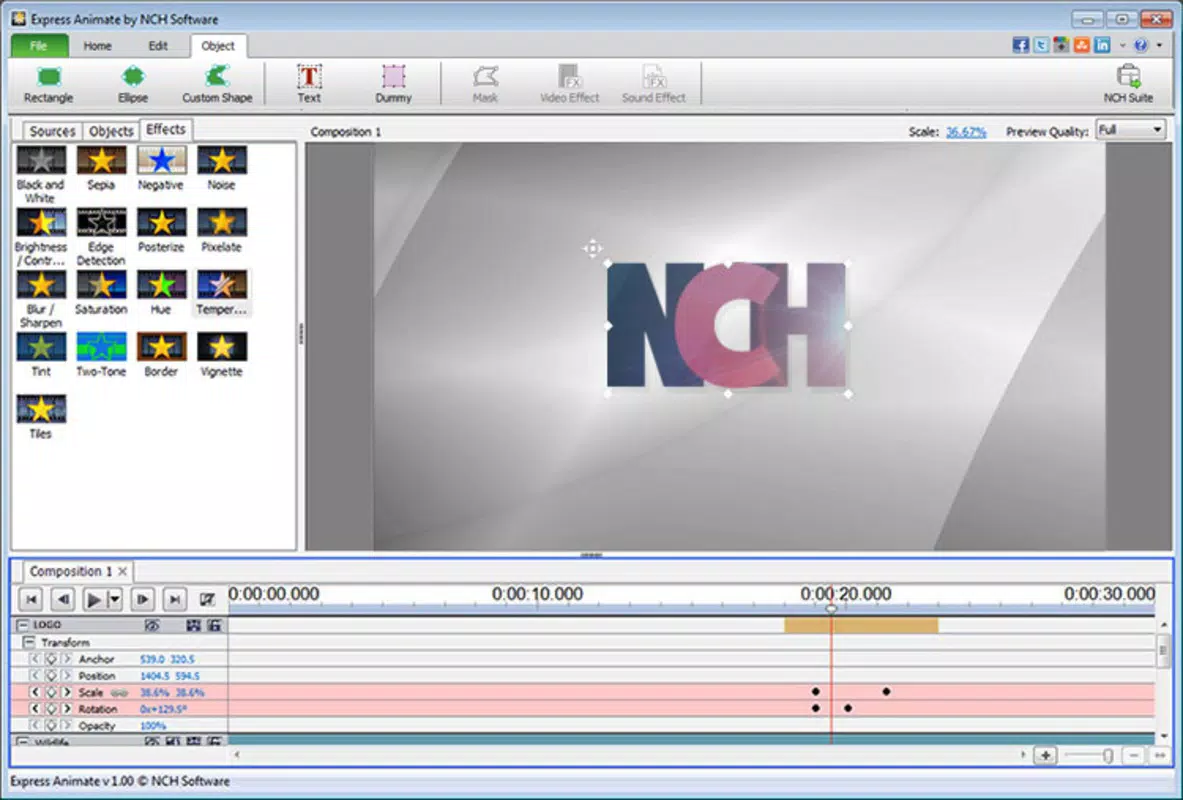
Express Animate features a clean, minimalistic interface that prioritizes workflow efficiency. The timeline is clearly laid out, with frame markers and playback controls accessible at a glance. Navigation between tools and panels is straightforward, reducing the need for extensive menu diving. The layout supports customizable workspaces, allowing users to arrange panels based on their preferred editing style.
Although the developer did not list formal performance metrics, the software’s file size of 23.4 MB suggests a lightweight design optimized for quick loading and low resource consumption. This makes it suitable for use on older or entry-level Windows machines. The responsiveness of the interface appears consistent across different screen resolutions, with smooth playback during animation previews.
Stability during extended use has not been publicly documented, but the absence of reported crashes in early user feedback indicates reliable operation under normal conditions. The software maintains consistent performance when handling moderate-sized projects, though complex animations with many layers may impact responsiveness depending on the device’s hardware.
Platform Compatibility & Technical Requirements
Express Animate Free Animation Software is available exclusively for Windows. The current version is 1.0.0, with a file size of 23.4 MB. This compact footprint suggests it is designed for efficient installation and minimal system impact.
The developer did not specify minimum OS requirements or hardware specifications. Compatibility information was not fully disclosed. As such, users should verify system compatibility with their Windows version before installation. The app is not available on Android, iOS, or other platforms, limiting its accessibility to Windows users only.
Pros and Cons
Pros
- Free to download and use with no hidden costs
- Lightweight file size ideal for low-end systems
- Intuitive interface suitable for beginners
- Supports import of images, videos, and audio
- Automatic transition generation saves time
- Includes layering and mask effects for advanced editing
Cons
- Platform limited to Windows only
- Specific system requirements not disclosed
- No mobile or cross-platform availability
- Limited to 2D frame-by-frame animation
- Advanced features like 3D animation or rigging not available
FAQ
Is Express Animate Free Animation Software safe to download?
Yes, the software is distributed by Wirestream Software and does not contain malware or adware based on available public information. Users should download from official sources to ensure security.
Can I use Express Animate on my Android or iOS device?
No, the app is currently only available for Windows. There is no official version for Android or iOS devices.
What file types can I import into Express Animate?
The software supports common image, video, and audio formats. Specific formats were not listed by the developer, but typical types such as PNG, JPG, MP4, and MP3 are likely supported.
Does Express Animate require an internet connection?
No, the software operates offline once installed. No ongoing internet access is required for core animation functions.
How often is Express Animate updated?
The latest version is 1.0.0, released on July 20, 2023. The developer has not provided information on update frequency or future release plans.
Final Thoughts
Express Animate Free Animation Software stands out as a capable, no-cost solution for creating 2D animations on Windows. Its combination of frame-by-frame editing, automatic transitions, and support for multimedia imports makes it a practical tool for educators, content creators, and students. While it lacks advanced features found in professional-grade software, its simplicity and efficiency deliver strong value for users seeking a lightweight, accessible animation tool.
For those who need to produce quick, engaging animations without a steep learning curve, this app offers a compelling entry point. The user-friendly interface and minimal system demands further enhance its appeal. Despite platform limitations and missing technical details, the software remains a solid choice in the free animation space.
Download Express Animate now


